Manage roles
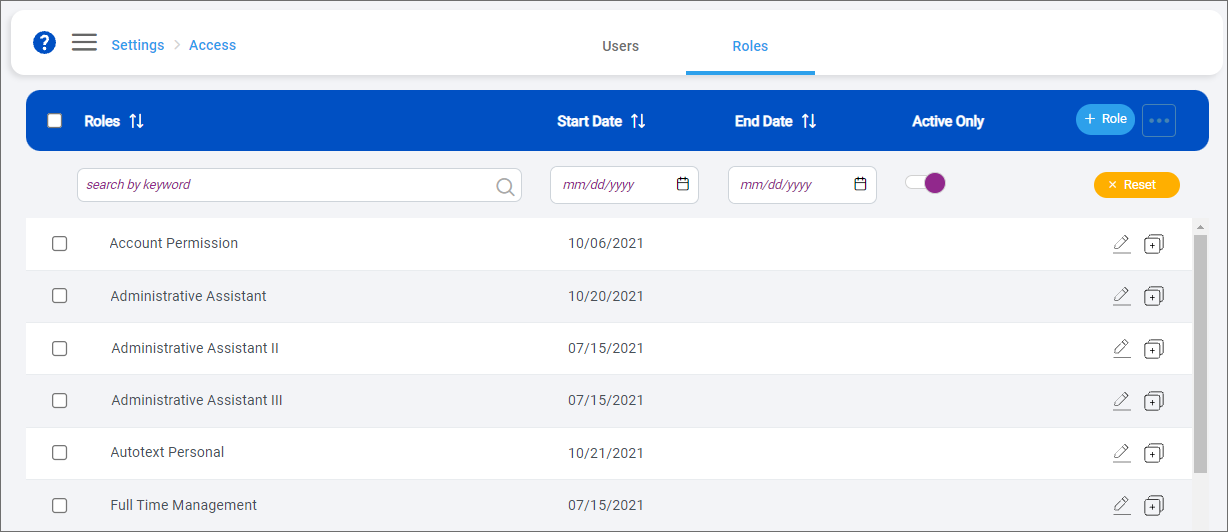
Roles are used to control the module and feature access assigned to users. Roles can be configured to match your firm's organizational structure.
Default role assignments are available
To make your firm's onboarding to the SurePoint Mobile app go as smoothly as possible, the following roles are already created in SurePoint Cloud and automatically assigned the following users.
|
Default Role |
Access |
Automatically assigned to: |
|---|---|---|
|
System Administrator |
Full access to manage role profiles, assign roles to users, and configure the Microsoft Calendar integration |
Firm's IT admin/SurePoint Cloud system administrator |
|
Default Time Management Security |
Full access to add, manage, and release time and add and edit delegates |
All users and the SurePoint Cloud system administrator |
These role assignments allow users to start working with time entry in the SurePoint Mobile app immediately without any required role setup or changes on your part.If you also want users to be able to run informal conflict searches in the mobile app, you will need to set up a role with access to informal conflict searching and then assign it to users accordingly.
Following are the tasks a system administrator can perform from the Roles screen:
