Manage users
To use the SurePoint Mobile app, each employee must have a user created for them by SurePoint in Active Directory. Then, each employee must be set up as a user in LMS with a valid, unique email address. For information about creating users in LMS, refer to the Create Users in LMS V Help Center article.
Once users are created in LMS, they are synced to SurePoint Cloud and the SurePoint Mobile app. By default, when users are synced from LMS, the Default Time Management Security role is automatically assigned to them so they can start using the SurePoint Mobile app to enter time. However, if a user encounters problems when trying to access the SurePoint Mobile app, the firm's system administrator can review the user's information in SurePoint Cloud and compare it to the user's information in LMS to identify any inconsistencies that need to be reported to SurePoint to resolve.
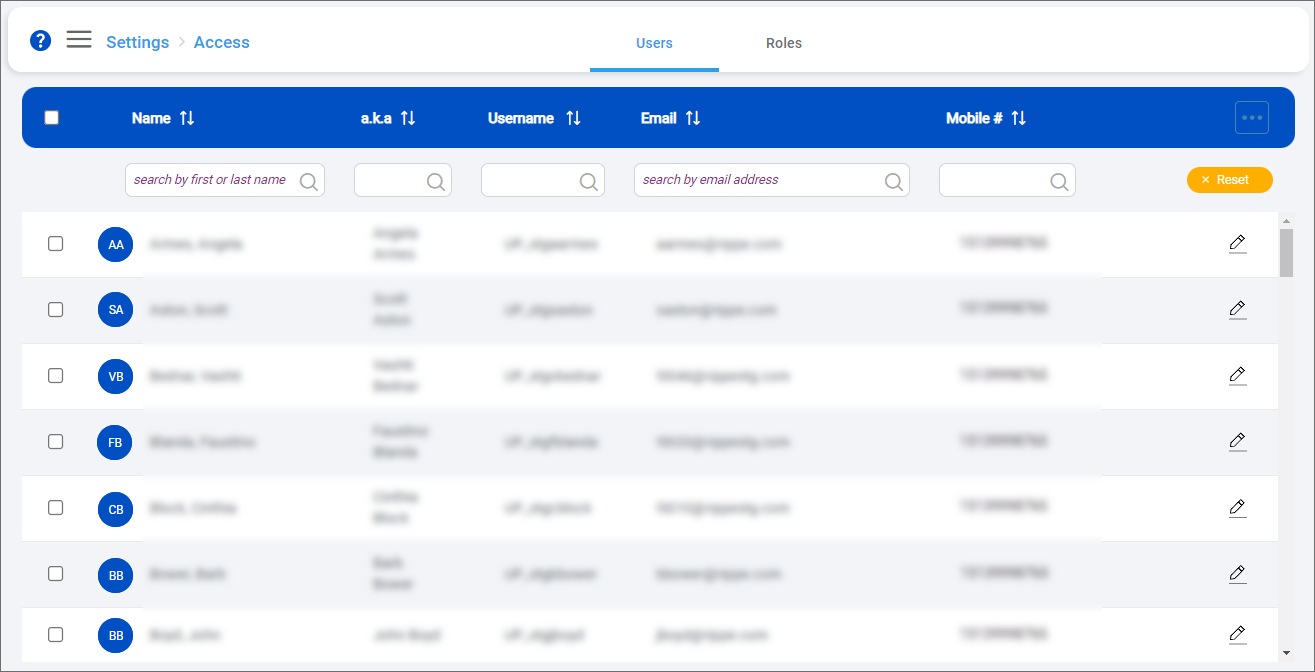
Following are the tasks a system administrator can perform from the Users screen:
