View your user profile and assigned roles
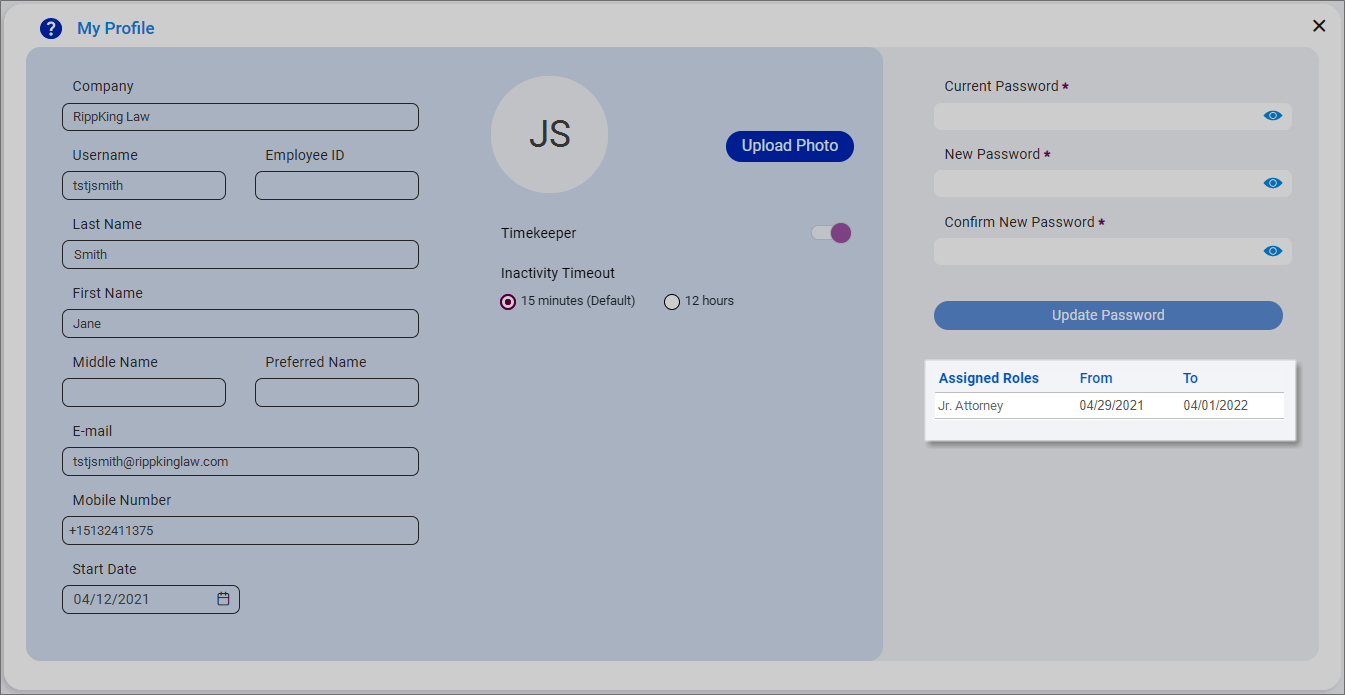
Use the My Profile screen to view your user information and the roles currently assigned to you.
Note: You can also update your password and change your inactivity timeout setting on the My Profile screen. See Update your password and Change your inactivity timeout setting.
-
Open the Account menu and then click My Profile. You can also click Account and then click My Profile on the Home screen or click
 on any other screen and select My Profile under Account.
The My Profile screen appears.
 View your user information
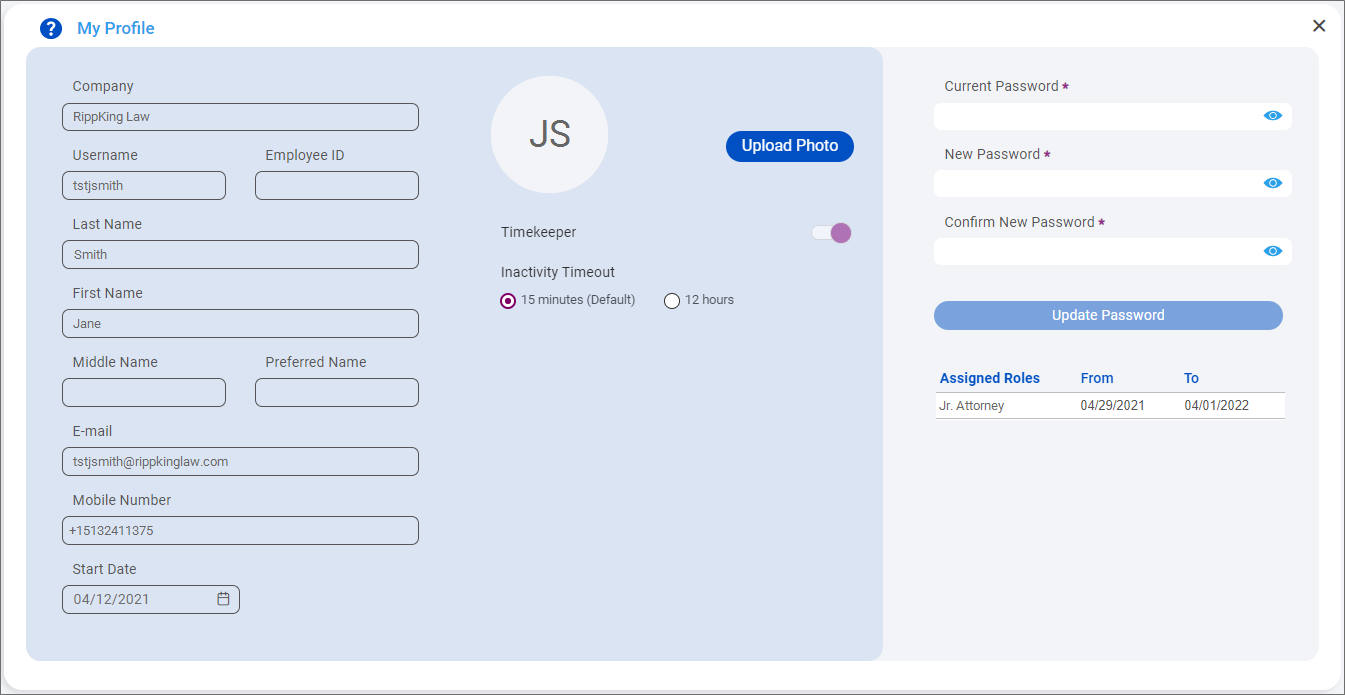
Your employee and contact information are displayed as read-only text on the left side of the My Profile screen. If you are set up in the system as a timekeeper responsible for having time entries submitted for the work you have completed, the Timekeeper toggle is slid to the right.
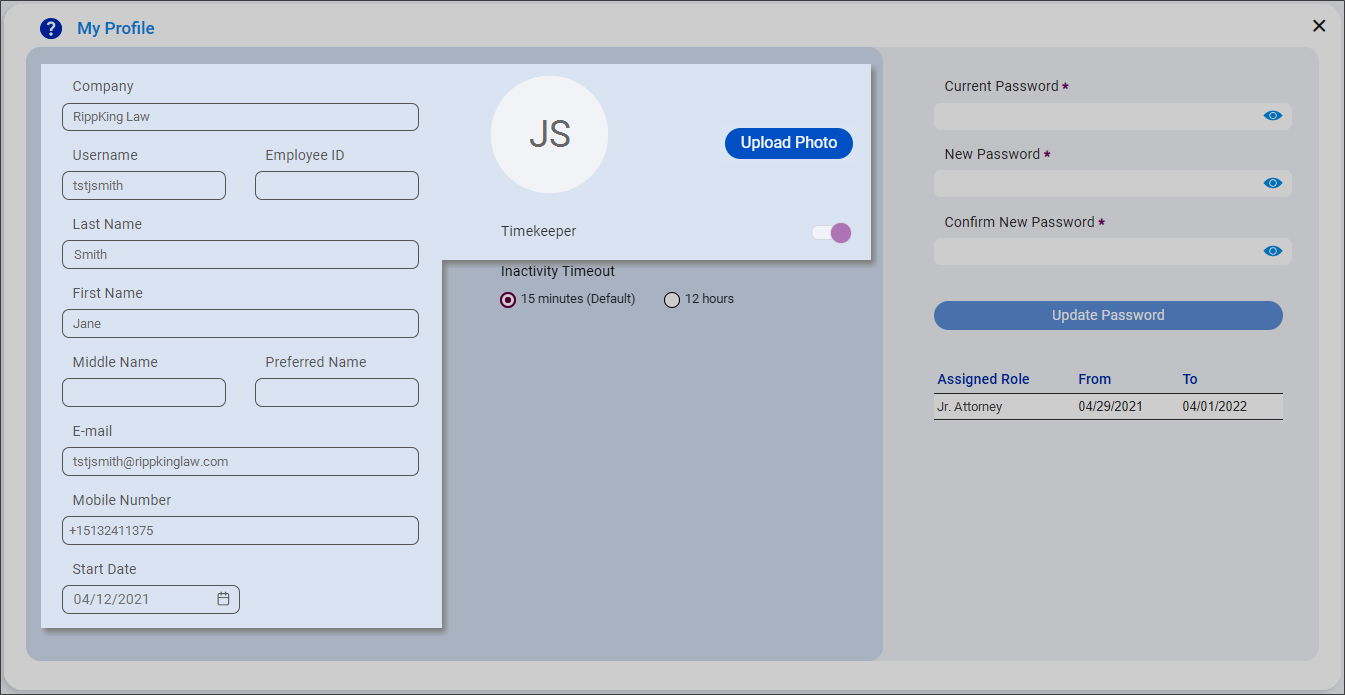
Note: This user information is managed in LMS and cannot be updated in SurePoint Cloud. If any of this information is incorrect, contact your system administrator to request changes.
View your assigned roles
The Assigned Roles list on the My Profile screen includes the roles that have been assigned to you. The From date indicates when your access to that role began. The To date indicates when your access to that role ends. If an end date is not set, the To value is blank.